Business correspondence is changing gradually
The Dutch Tax Administration is introducing digital correspondence in stages. Opting for digital delivery therefore does not mean that every business letter immediately appears exclusively online. Continue to monitor paper correspondence during the transition. Make clear where received documents are collected within your business, so that a message is not overlooked because it arrived through a different channel.
Register your preference in the business portal
In Mijn Belastingdienst Zakelijk, the Dutch business tax portal, select “Mijn gegevens” and then “Voorkeuren voor post en e-mail” to manage your details and correspondence preferences. You can choose to receive as many letters as possible digitally. Enter an email address for alerts and confirm it using the code sent to you. According to the Dutch Tax Administration’s instructions, that code is valid for 24 hours. Registration is only complete after confirmation; entering an address alone is insufficient.
An email alert starts the follow-up process
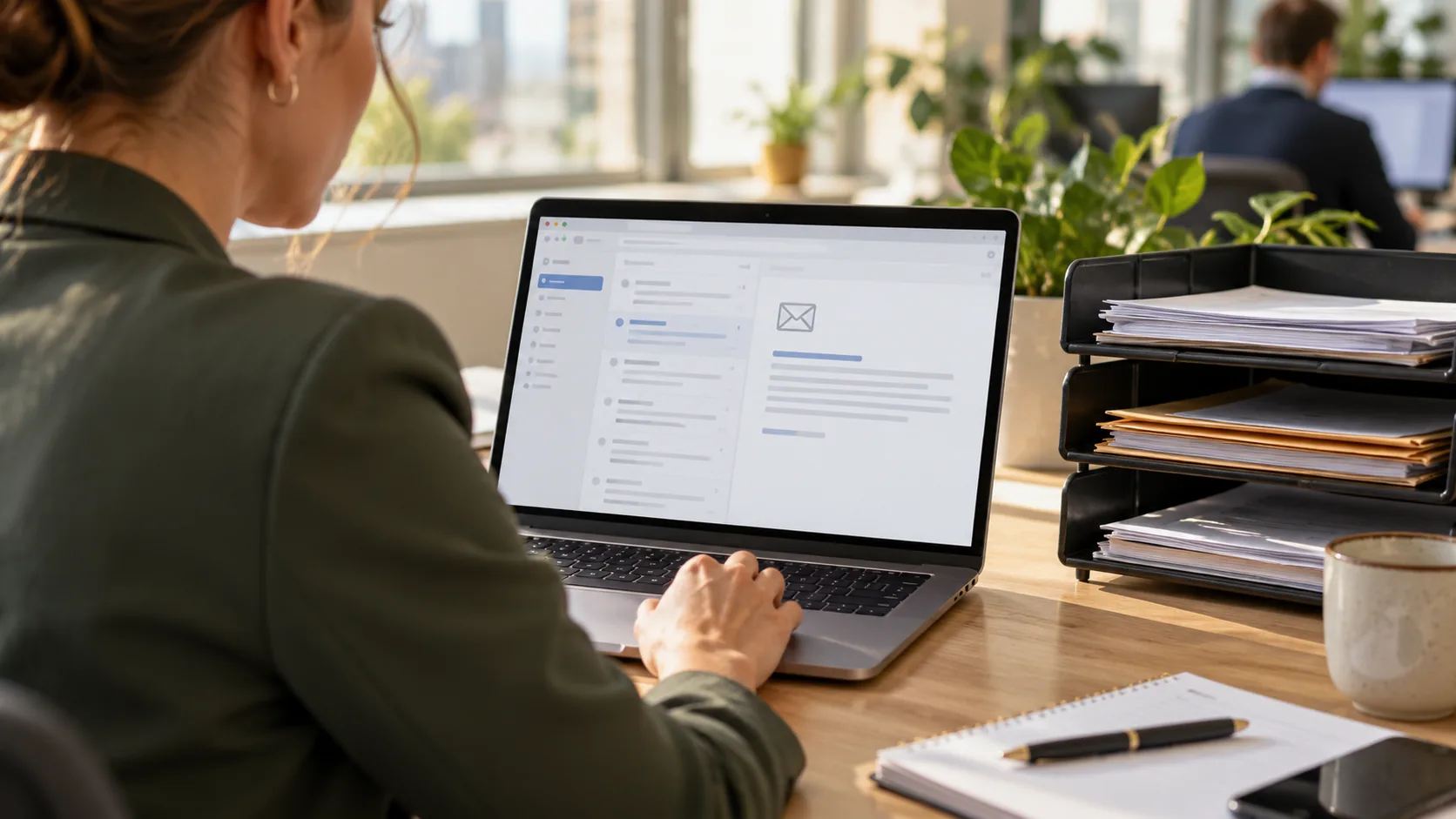
An alert tells you that a new message is available. Read the message itself in the business portal and check what is required, which deadline applies and which documents are needed. Choose an alert address that is also monitored during absences. An unread alert in an individual employee’s inbox leaves the business exposed to missed actions.
Save relevant correspondence in the appropriate file and record who is responsible for handling it. This makes it clear that a message has been assessed as well as received.
Agree responsibilities with your tax adviser
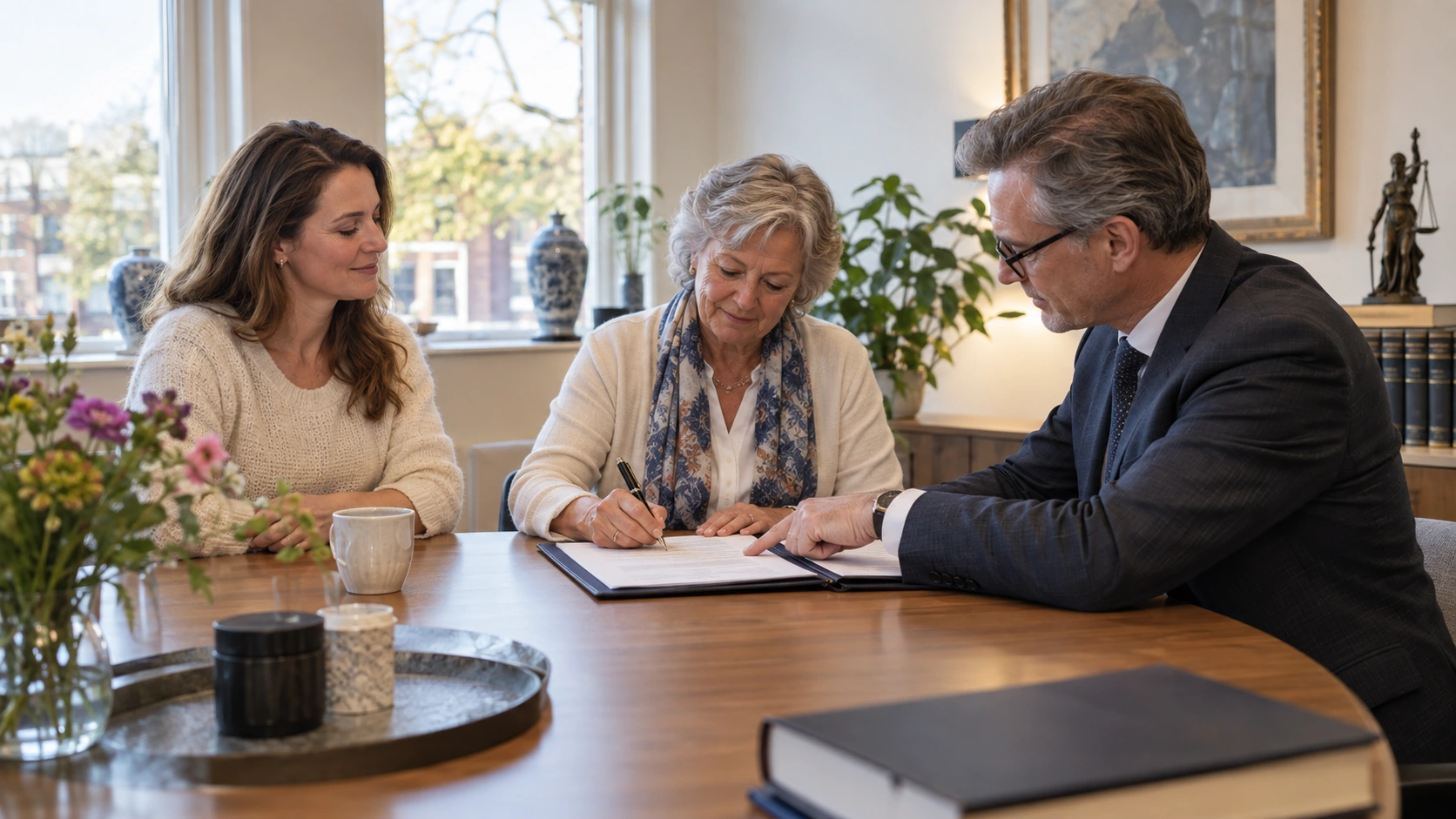
You can authorise someone to deal with tax matters and preferences on your behalf. Discuss the access and work covered by that authorisation. Authorisation does not replace an agreement about who checks messages and forwards them. Agree how your business and adviser will inform each other about new correspondence, questions and deadlines. This avoids both parties assuming that the other has already dealt with a message.
Keep business and personal messages separate
Business correspondence is available in Mijn Belastingdienst Zakelijk. Personal tax correspondence also involves the Berichtenbox, the digital mailbox in MijnOverheid. A preference in one portal does not automatically arrange delivery in the other. Review both environments when setting up your arrangements, to the extent that they apply to your situation.
Make message checks part of your regular administrative process. Appoint a substitute, check that alerts arrive and update contact details when an employee leaves. Digital delivery only works in practice when receipt, assessment of the contents and follow-up are connected.
More information from Oudshoorn
Sources and background
Original source publication: — Accountant on digital tax correspondence for businesses.